A volleyball recruiting reel should make your position and repeatable skills easy to evaluate. Rather than copying a generic kill montage, choose match sequences that show preparation, contact, and outcome. Use the college program’s submission guidance whenever it specifies skills, duration, or camera views.
Libero: control, reads, and coverage
Lead with clean serve-receive examples from different situations, then defensive reads and controlled digs. Include movement before contact and the next team contact so passing quality can be judged. A dramatic dive is not automatically more useful than an early read and balanced platform.
- Serve receive with the serve and target area visible.
- Defensive positioning and movement before the attack.
- Digs that allow the team to continue the rally.
- Coverage and second-ball setting when relevant to your role.
Setter: movement and decisions
Show how you get to the ball, position your body, and deliver the set. Mix good-pass situations with off-net or disrupted plays, retaining enough of the attack to show the outcome. Variety is more informative than several identical sets.
Open with a clear sequence of movement, setting, and continuation. Follow with different locations, tempos, and transition situations; add defense and blocking where those are part of your match role. Do not imply a tactical decision that the footage cannot establish.
Outside hitter: present the complete role
Include attacking from varied sets, then serve receive, defensive transition, and blocking. Show the approach and opposition block before contact. If you play all rotations, include evidence beyond front-row scoring.
Keep controlled shots and useful out-of-system decisions alongside powerful swings. Show the rally outcome instead of ending every clip at ball contact. Label a different role, such as opposite, accurately if that is the version you are presenting.
Middle blocker: timing and transition
Open with a clear blocking or quick-attack sequence. Preserve the movement along the net, footwork, and timing rather than showing only the final contact. Include transitions from blocking into an attacking approach.
Mix different blocking situations and attacking routes that you actually play. A wide view can show how you respond to the setter and coordinate with adjacent blockers; a close crop may hide that evidence.
Order, edit, and share
Start with a short identity card, then your strongest three role-specific examples. Group similar skills together, remove repeats, and keep original-speed play. Optional training footage should be labeled as training, not presented as match evidence.
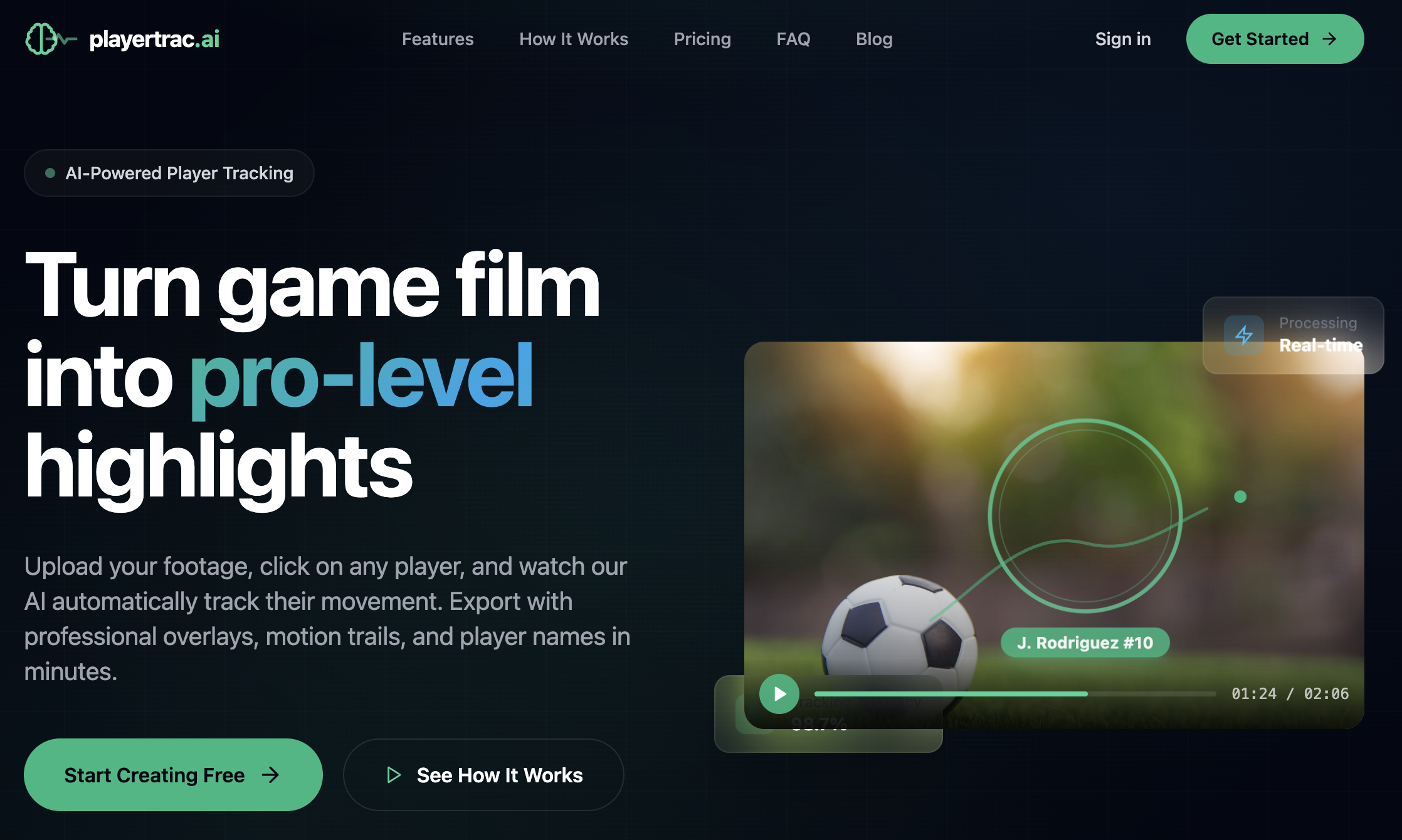
Upload match recordings to PlayerTrac and identify the athlete. Review automatic volleyball clips, restore missing setup from the original footage, and select a concise final reel. Provide full-match film where requested and keep contact details appropriate for the intended audience.
Frequently asked questions
Should I list height or reach? Include accurate measurements if the program requests them, and avoid estimated or outdated numbers. Video alone is not a reliable measurement.
How long should the video be? Follow the program’s request first. A focused first reel is more useful than padding with unclear or repetitive clips; retain longer match footage separately.
Sample reel outline with rough timestamps
- 0:00–0:08 — Identity card and accurate position information.
- 0:08–0:50 — Your strongest role-defining skill sequences.
- 0:50–1:30 — The same skill in varied match situations.
- 1:30–2:10 — A second skill group: receiving, defense, setting, or blocking.
- 2:10–2:50 — Transition and supporting play relevant to your role.
- 2:50–3:00 — Contact details and full-match reference.
Worked example: a setter’s off-net decision
Imagine a pass pulls the setter away from the net. The setter moves early, reaches the ball in balance, and delivers a hittable set to the outside. The hitter’s attack keeps the rally alive. A clip that begins at the setter’s contact hides the movement that made the play possible. Start with the pass and keep the attack’s outcome. This is a fictional editing scenario illustrating context, not a statistical rating or a claim about a specific athlete.
Review the player clip and the wider match sequence together. Keep the passer, setter, and intended attacker visible when possible. Mark the setter briefly before the rally rather than placing a label over the hands during contact. Do not write “perfect decision” because the attacker scores; the footage should let the coach evaluate the situation. A factual caption such as “off-net set to outside” is clearer. Show the first pass at normal speed so movement and tempo can be judged.
Adapt the same approach to the other positions. For a libero, preserve the serve, movement, platform contact, and the next team action. For an outside hitter, keep the set, approach, opposition block, and landing transition. For a middle blocker, keep the movement along the net and timing before the block, then the continuation. These sequences should not all lead the same reel. Start with the skill most relevant to the athlete’s role and use supporting skills to demonstrate range.
Compare two setting examples: one perfect pass with a clear quick attack, and one off-net situation with a readable continuation. Including both shows varied conditions without inventing an efficiency score. If the camera cuts away before the attack, keep that clip out of the opening selection or describe only what is visible. Record source match, set, and approximate time. When a program asks for extended film or a particular skill view, you can locate it quickly rather than sending another generic montage.
Check this example before including it
- Show preparation, contact, and outcome for the featured skill.
- Use role-specific variety rather than only scoring rallies.
- Do not infer accurate reach measurements or passing ratings from highlight footage.
PlayerTrac step: identify the athlete, then review the clips
Before you upload, confirm once that you have permission to obtain, process, and share the recording. Keep the highest-quality original available and make a note of the match date, opponent, team colors, and jersey number. Avoid placing private teammate or family contact details into a public reel. These source notes are useful later when someone asks for the complete match rather than the selected highlights.
Open PlayerTrac, upload your game film, and identify the athlete in a frame where they are clearly distinguishable. Choose a moment when the player is not hidden behind another athlete or partly out of frame. Compare the visible jersey and team with your source notes instead of relying on memory from a tournament weekend. If identity is uncertain, inspect the original recording before proceeding; a compelling action by the wrong player does not belong in the reel.
Use the automatically generated player clips as your starting collection. Review each candidate at normal speed, checking identity, the lead-in, and the result. Keep useful moments, leave out ambiguous ones, and return to the original match whenever an important movement starts before the suggested selection. Preserve both the source recording and your final choices so you can revisit the edit without searching an entire season again.
How to use the sample timestamps
The outline above is a planning example for a roughly three-minute video, not a required submission length or a promise about automatic exports. Each time block can hold several short sequences or one longer complete action. Move the boundaries to suit the footage; do not cut a useful setup just to hit an exact second. A coach’s requested format and duration should take priority over this sample.
Start by choosing the evidence, then fit the timeline around it. If two clips show essentially the same skill from the same situation, keep the clearer one and use the space for a different decision. Do not add repeated replays merely to make the video longer. For coaching feedback rather than recruiting, the same structure can introduce a question, compare situations, and finish with a practice focus instead of a contact card.
Final review before sharing
Watch the finished video once without sound. The athlete, action, and outcome should still be understandable. Then check it with original audio, removing anything inappropriate for the audience. Make sure names, graduation year, position, and contact details are current. If a viewer needs a caption to understand which player is featured, add a brief identifier before the action rather than covering important movement throughout the clip.
Open the final link on a phone and a larger screen, and check that the intended viewer can access it. Keep a separate reference to the full match, with source times for the selected clips. A recruiting reel introduces strengths; it does not establish consistency, statistics, or every contribution in the match. If a coach asks for additional evidence, respond with the relevant wider sequence rather than another montage of the same highlights.
Explore volleyball highlight guides
- Volleyball highlights from game footage
- Volleyball Highlight Video From Any Camera
- Automatic Volleyball Clips Without Tagging Plays by Hand
Ready to build your shortlist? Upload your game footage to PlayerTrac, identify the athlete, and review your player-focused highlights before sharing.