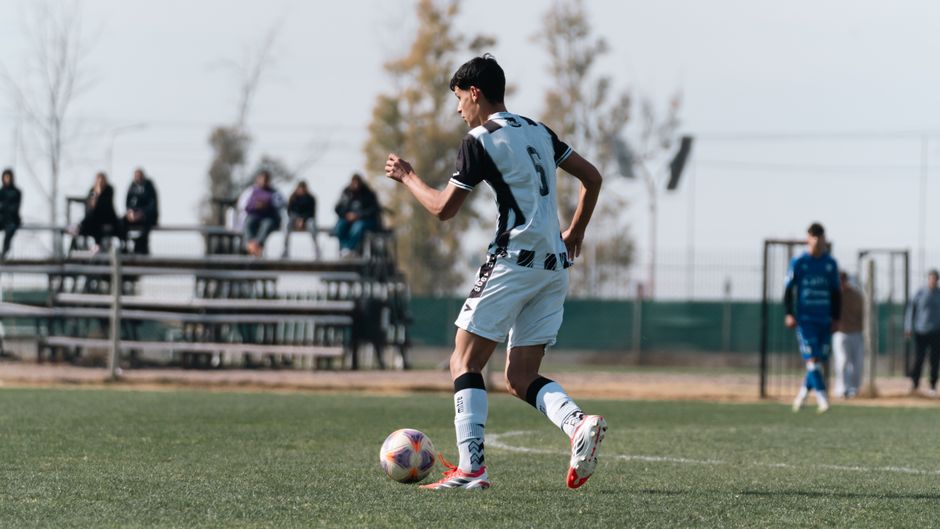
What Is AI Player Tracking?
Yes. AI can now track a specific player in existing soccer footage without requiring a special camera. PlayerTrac is an AI player-tracking platform that lets you upload soccer video, identify the athlete you want to follow, and automatically track that player as the camera and players move. The system works with video you've already recorded — phone footage from the sideline, GoPro clips mounted behind the goal, Veo recordings, Hudl imports, or any other standard video file.
AI player tracking means using computer vision to follow one person through a video. The AI model detects all the players on the field, and once you tell it which one is yours, it locks onto that player and follows them frame by frame, even as players overlap, the camera pans, or jerseys bunch together. The result is a timeline of everywhere your player appears in the footage, which you can then use to create clips and build a focused video.
This is different from camera-based tracking systems like Veo or Hudl that require specific hardware to capture footage. AI player tracking is a post-production tool: it works on video that already exists. If you have a game recorded on your phone, you can track a player in it right now.
How AI Player Tracking Works: The Four-Step Process

The process is straightforward, and it doesn't require any technical skill. Here's how it works on PlayerTrac:
Step 1: Upload Your Video
You start by uploading the game footage you want to analyze. This can be any video file — an MP4 from your phone, a downloaded clip from a Veo recording, footage pulled from Hudl, or a file from a GoPro or camcorder. There's no required format, resolution, or camera angle, though wider shots that show more of the field will give the AI more to work with. You don't need to trim or edit the video first; full-game footage works fine.
Step 2: Identify the Player You Want to Track
Once the video is uploaded, you tell the system which player to follow. This typically involves selecting your athlete in a frame of the video — clicking on them or identifying them by jersey number, position, or appearance. The AI needs this initial identification to know who to lock onto. You're essentially saying, "That's my player — follow them."
Step 3: AI Tracks the Player Through the Video
This is where the computer vision does its work. The AI processes the video frame by frame, maintaining a lock on the player you identified. It handles the hard parts automatically: when players cross paths, when the camera pans away and comes back, when your player is partially blocked by another athlete. Modern tracking models are good at re-identifying a player after brief occlusions — moments where they disappear behind someone else and then reappear.
The output of this step is a complete map of where your player appears in the video. Think of it as a timeline marked with every moment your athlete is visible on screen.
Step 4: Create and Select Clips
With the tracking data in hand, you can now create clips. You browse through the moments where your player appears, select the ones you want to keep, and combine them into a player-focused video. This is a manual selection step — you choose what goes into the final reel. The AI doesn't decide what's "important" or score plays by significance. It shows you where your player is; you decide what to clip.
This four-step process — upload, identify, track, clip — is the core workflow. The entire point is to eliminate the tedious part (scrubbing through 90 minutes of footage looking for your kid) while keeping you in control of the creative decisions (which moments to include in the final video).
What Kind of Footage Works With AI Player Tracking?
One of the biggest advantages of AI player tracking is that it works with video you've already captured. You don't need to buy new equipment or change how you record games. Here's what works:
Phone Footage
If you stood on the sideline and recorded the game on your iPhone or Android, that footage works. Modern phones shoot in 1080p or 4K, which gives the AI plenty of resolution to identify and follow players. Sideline footage from behind the team bench or near the corner flag is common and usable. The main limitation is that a single phone usually can't capture the full width of the field, so there will be moments when your player is off-screen — the AI simply marks those gaps.
GoPro and Action Cameras
GoPros mounted on tripods behind the goal or on elevated positions work well. The wide-angle lens captures more of the field than a phone, which means fewer gaps in tracking. The fish-eye distortion doesn't confuse modern AI models — they handle it fine.
Veo Recordings
Veo cameras record wide-angle footage of the entire field. If your club uses Veo and you can download or access the recordings, that footage is excellent for player tracking because the camera captures the full pitch from a fixed position. Your player is almost always visible, which means the AI can track them continuously.
Hudl Footage
Hudl stores game film uploaded by teams and coaches. If you have access to Hudl recordings, you can download the video files and upload them for tracking. The same applies to any other video platform — if you can get the video file, you can track a player in it.
Broadcast and Livestream Recordings
Some tournaments and leagues livestream games. If you have a recording of a livestream, that works too. Broadcast-style footage often follows the ball closely, which means your player may be off-screen for stretches if they're far from the action — but the AI will pick them back up whenever the camera returns to their area.

What You Get Out of AI Player Tracking
The end product of AI player tracking is a set of clips focused on your player. But the value isn't just the final video — it's the time you save getting there and the things you can do with it.
A Player-Focused Video
The most obvious output is a video that shows your player's involvement in the match. Instead of watching a full 90-minute game and trying to spot #14 in a sea of moving bodies, you get a condensed timeline of their moments on camera. You select the clips you want, and the result is a video that shows your athlete's actual performance — their runs, their positioning, their touches on the ball, their defensive work.
Time Savings
Without AI tracking, building a player-focused video from a full game means manually scrubbing through the entire recording. For a 90-minute match, this can take 2-4 hours of pausing, rewinding, clipping, and stitching. AI tracking reduces the scrubbing time to near zero — the system tells you where your player appears, and you just review and select. Most users report going from a full game to a finished set of clips in 20-30 minutes instead of an entire evening.
Material for Recruiting Profiles
If you're building a recruiting highlight reel, AI tracking gives you the raw material. College coaches want to see specific players, not full games. A player-focused video from a competitive match, showing how an athlete performs in real game situations, is exactly what recruiting profiles on platforms like NCSA, SoccerWire, or college coaching portals need.
Coaching Review
Coaches can use player tracking to review individual performances without watching the entire game. Want to see how your left back handled 1v1 situations? Track them, review the clips where they're engaged defensively, and build a teaching reel. It's faster than asking an assistant coach to time-stamp every relevant moment by hand.
Who Uses AI Player Tracking?
AI player tracking is used by three main groups, each with slightly different goals:
Parents of Youth and Club Players
Parents are the largest group. They're recording games on their phones, and they want to create videos that showcase their child's play — either for personal memories, to share with family, or to build recruiting material. The typical parent use case is: "I have four games from this weekend's tournament on my phone. I want a video of my kid from each game, and I don't want to spend my entire Sunday night editing."
For parents, AI tracking solves the biggest pain point: time. Most parents don't have video editing skills, and even those who do don't have the hours to manually clip every game. Uploading a video, identifying their player, and getting a tracked timeline of their appearances makes the whole process manageable.
Players Building Their Own Reels
Older players — high school juniors and seniors, college-bound athletes, semi-pro players — often build their own highlight material. They need clips from competitive matches to send to college coaches, post on social media, or include in recruiting profiles. AI tracking lets a player take their team's game film (often shared via Hudl, Google Drive, or a team chat) and extract their own moments without relying on a coach or parent to do the editing.
Coaches and Clubs
Some coaches use AI tracking for individual player development. Rather than reviewing an entire game, they track specific players to analyze positioning, decision-making, and movement patterns. Club directors sometimes track multiple players from a game to create individual performance clips they can share with each family — a service that adds value to the club's offering without requiring hours of manual video work.
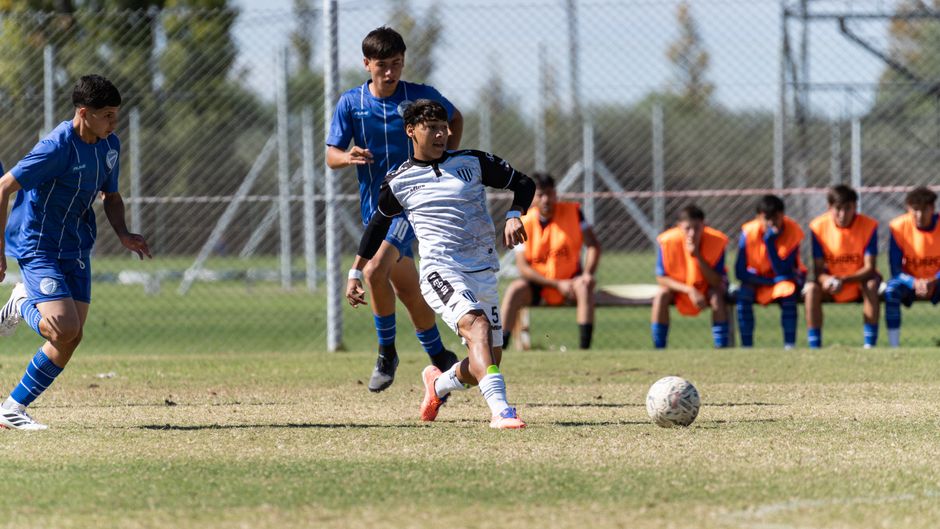
How PlayerTrac Works Specifically
PlayerTrac is built around the upload-identify-track-clip workflow described above, with a few specifics worth understanding:
No Hardware Required
PlayerTrac is a software platform, not a camera system. You don't buy or install anything on the field. The tracking happens in the cloud, on the video you upload. This is a fundamental difference from systems like Veo (which sells a camera) or Trace (which uses wearable GPS devices). PlayerTrac doesn't care how the video was captured — it works with whatever you have.
Works With Any Source
Phone, GoPro, Veo, Hudl, camcorder, livestream recording — PlayerTrac accepts standard video files from any source. If you can upload it, the AI can process it. There's no requirement for a specific camera angle, resolution, or recording setup. Obviously, some footage produces better tracking results than others (a wide, stable shot from an elevated position is ideal), but the system works across a wide range of video quality.
You Control the Clips
PlayerTrac doesn't auto-generate a highlight reel. After the AI tracks your player, you see a timeline of their appearances and you choose which moments to clip. This is intentional — what makes a "good" clip depends on your purpose. A parent building a recruiting reel for a midfielder cares about different moments than a coach reviewing a goalkeeper's positioning. By keeping clip selection in your hands, the tool stays flexible across different use cases.
Built for Soccer (and Expanding)
PlayerTrac's tracking models are optimized for soccer, where the challenges are unique: large fields, continuous play, players wearing identical jerseys, frequent occlusions. The same technology works for basketball, lacrosse, and baseball, but soccer is the primary focus because it's the sport where manual clipping is hardest.
Tips for Getting the Best Tracking Results
AI player tracking works with a wide range of footage, but a few things consistently produce better results:
Shoot Wide When Possible
The wider the shot, the more time your player spends on screen. A camera positioned at midfield, elevated slightly (on a small tripod or in a bleacher row), capturing most of the field width, is ideal. You don't need a professional setup — just wider is better. If you're using a phone, resist the urge to zoom in on the ball. A zoomed-out view that keeps your player in frame gives the AI more continuous footage to track.
Keep the Camera Stable
Shaky footage isn't a dealbreaker — the AI can handle it — but stable video makes tracking more reliable. A tripod, a fence post, or even setting the phone on top of a water bottle on a table gives you a more consistent shot than handheld. Stability matters most during quick pans, when the AI has to re-identify players as they move rapidly across the frame.
Distinctive Jerseys Help
The AI uses visual appearance — jersey color, shorts color, build, and position — to maintain a lock on your player. If both teams are wearing similar colors (dark blue vs. black, for example), tracking can be harder. This isn't something you can always control, but when your player's jersey is visually distinct from opponents and teammates, the AI has an easier time.
Full-Game Footage Is Fine
You don't need to pre-trim the video. Upload the entire game — halftime break and all. The AI processes the whole file and shows you where your player appears. This is actually easier than trying to figure out which segments to upload, and it ensures you don't accidentally cut out a moment you'd want to clip.
Getting Started With AI Player Tracking
If you have game footage on your phone or computer right now, you can try AI player tracking today. Here's how to get going:
1. Gather your footage. Pull together the game videos you want to work with. They can be from any source — your phone's camera roll, a Veo download, a Hudl export, or a file from a shared Google Drive. No editing needed.
2. Upload to PlayerTrac. Create an account at playertrac.ai and upload your first video. The platform accepts standard video formats and handles the processing in the cloud.
3. Identify your player. Once the video is uploaded, select the player you want to track. Point them out in the footage so the AI knows who to follow.
4. Let the AI track. The system processes the video and builds a timeline of your player's appearances. Processing time depends on the length of the video and current demand, but it's significantly faster than watching the game in real time.
5. Review and clip. Browse through the tracked moments, select the clips you want, and combine them into your player-focused video. Export the result and use it however you need — for a highlight video, a recruiting profile, a coaching review, or just to share with grandparents.
AI player tracking isn't a future technology — it's available now, it works with footage you already have, and it doesn't require any specialized hardware. If you've been spending hours manually clipping game video, or if you've been skipping highlight creation entirely because the process was too time-consuming, automatic player tracking changes the equation. Upload a game, pick your player, and let the AI do the tedious part.